Validation Settings
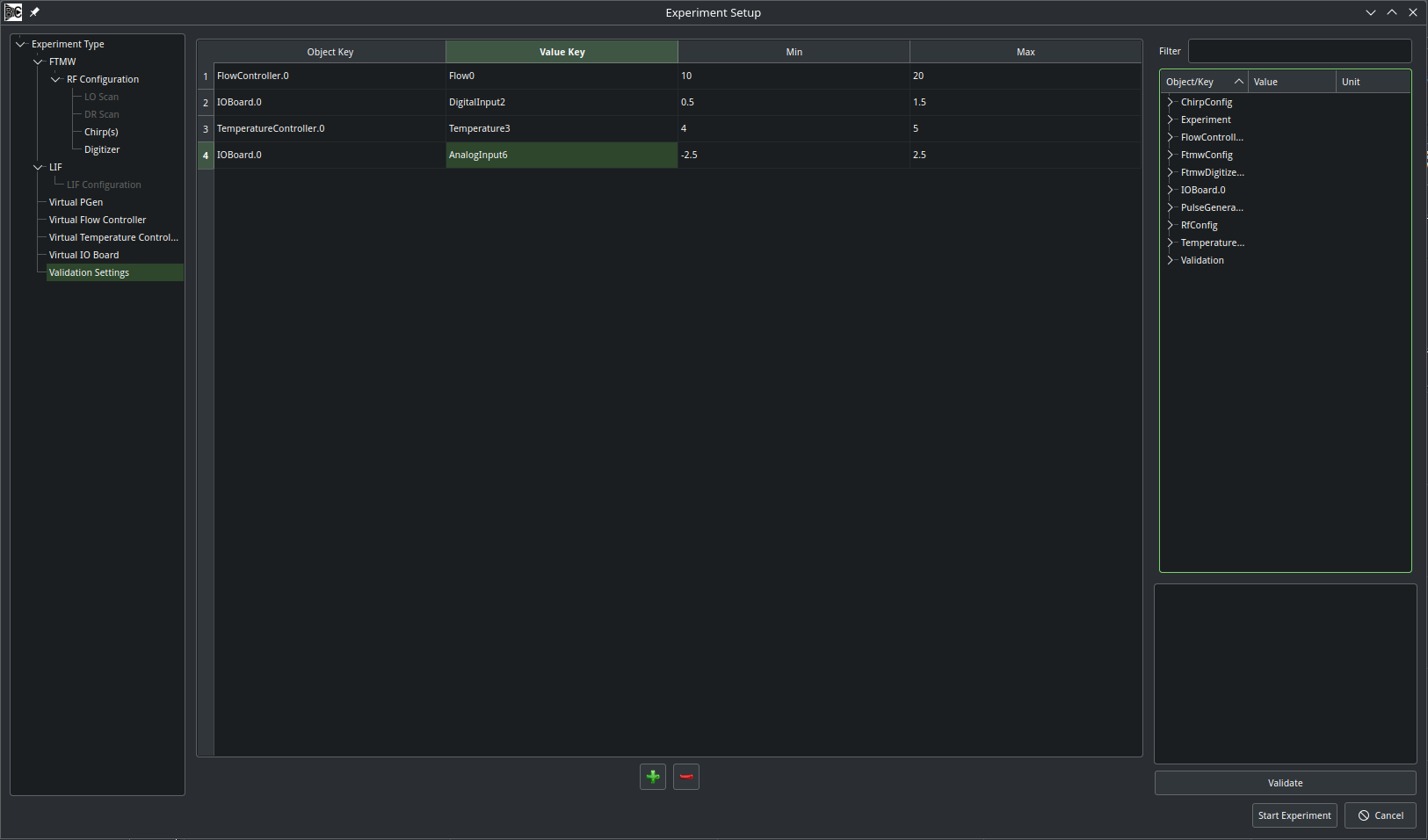
The Validation Settings page of the Experiment configuration menu allows the user to set up a series of conditions that can be used to automatically terminate an experiment. Every time Auxiliary Data is read (see Acquisition Types), any value which falls outside the user-selected range will cause the experiment to immediately abort. This can prevent averaging in poor-quality data or, in conjunction with sleep mode, prevent unnecessary sample consumption if an operating parameter changes too substantially.
A validation condition is associated with an object key (usually referring to a piece of hardware) and a value key (usually a particular reading from that item). To add a validation condition, press the plus icon at the bottom of the page. Clicking on the object key cell will display a dropdown list with the possible options to choose from. After selecting an object, clicking the value key cell will display a dropdown with the available readings to choose from. Once these are selected, enter the minimum and maximum allowed values as floating point numbers. The scan will be automatically aborted if the value read is less than the minimum or greater than the maximum. To remove a validation condition, select the row and press the red minus button.